
How to Search Cases by Name
Minnesota Court Records Online is also called MCRO. It is the statewide public route for a Todd County case lookup. Start with the Name method when a full court file number is not known. Choose Person or Business first. A person search asks for last, first, and middle name. A business search takes the business name. The exact search makes the best first pass. It keeps the result set under control.
- Open MCRO Case Search and choose Name, then select Person or Business.
- Enter the most reliable last name and first name. Add a middle name only when it is known and useful for narrowing.
- Select Todd under Court Locations when the filing county is known. Add a case category or a filing-date filter for a common name.
- Select Find, review the returned rows, and open View Case Details only for a matching record.
- Read the case information and Register of Actions, then note the access date because the record and public-document availability can change.
MCRO charges nothing for searches or for public documents, though results stay unofficial. For certified records or anything beyond the permitted display, use the court.
| Field label | Type | Required | Options and format notes |
|---|---|---|---|
| Search method | Selection | Yes | Name, Case Number, Citation Number, or Attorney. Choose the identifier actually known. |
| Name type | Selection | For name search | Person or Business. A person search has Last Name, First Name, and Middle Name fields. |
| Name matching | Checkbox or text pattern | No | Exact is the default. Run Sounds Like separately. A trailing wildcard follows at least two characters and cannot be combined with Sounds Like. |
| Date of Birth | Date | No | Exact date or date range in MM/DD/YYYY format. Use only reliable, authorized information. |
| Date Filed | Date | No | Exact date or date range in MM/DD/YYYY format for narrowing a common name. |
| Category | Selection | No | Civil, Criminal, Family, or Probate or Mental Health. More than one category can be selected. |
| Court Locations | Selection | No | Statewide or a specific county. Select Todd County for a known Todd filing. |
Todd Case Lookup Field Map
The MCRO Case Search screen separates the search method from its filters. Filters include category, case status, date, and court location. Read the live case-status dropdown at search time rather than relying on remembered labels. Find runs the search. Clear wipes the entries. The official MCRO Case Search interface shows the field layout used for Todd County filings.
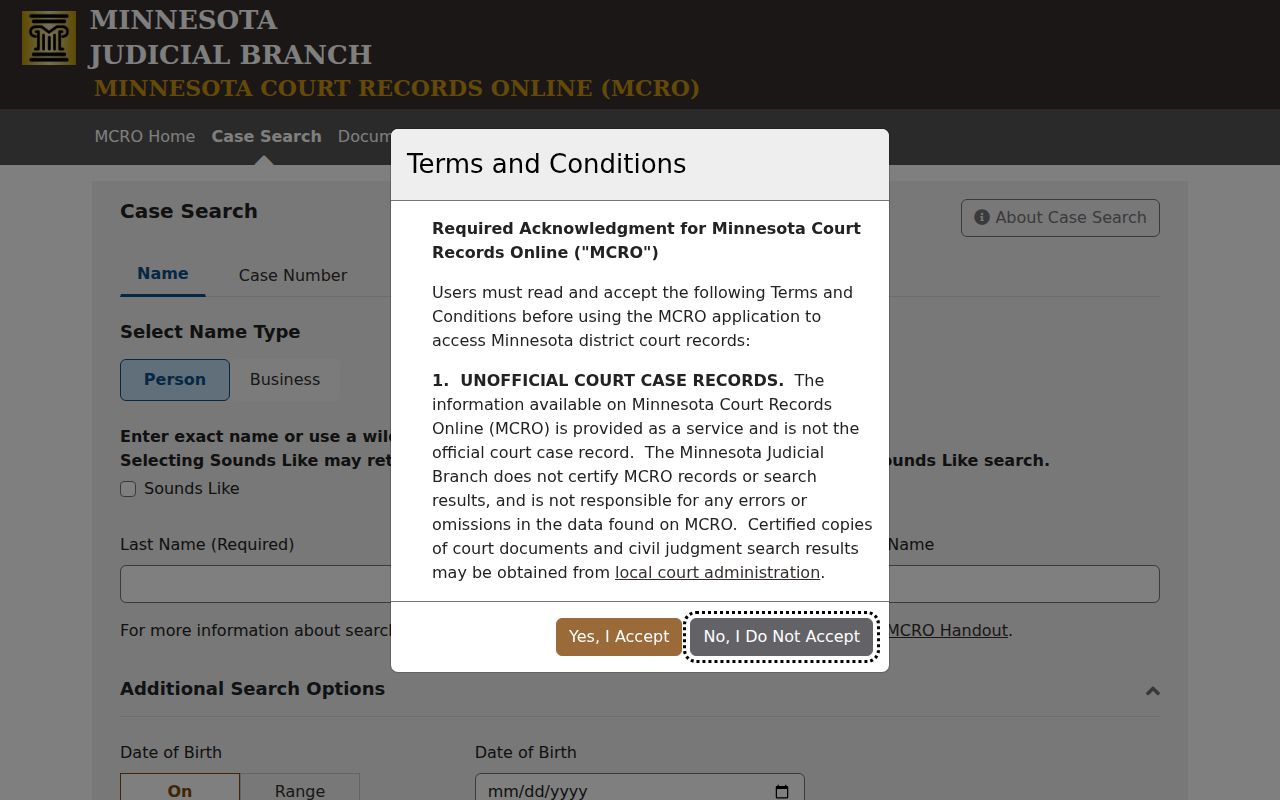
Pick the method first. Then apply only the filters that sharpen the result set without screening out a likely record.
Todd Case Lookup Matching
Exact, Sounds Like, and wildcard are three separate matching approaches. They are not settings to stack in one request. Run the ordinary exact spelling first. If spelling might vary, try Sounds Like in a second search. A trailing asterisk can widen a name once at least two characters are entered. MCRO treats Sounds Like and a wildcard as incompatible, so never combine them. Punctuation, a middle name, and name order can each affect what comes back. When nothing matches, drop the middle name or switch spelling approaches. You can also adjust the county or category. Or use a complete case or citation number if you have one. Bear in mind that an empty name search does not prove no court event occurred. Note: Run spelling variations as separate searches. That keeps each matching method clear when you compare results later.
How to Search by Case Number
Use the Case Number method when you hold the complete court file number. It beats guessing at a name, and MCRO Document Search requires it anyway. Minnesota numbers usually carry the county, case type, year, and sequence. Todd calendar samples show only the non-identifying prefix 77-. Verify any full identifier in the official record instead of building one from that prefix. Case Number and Citation Number are distinct methods. A citation does not automatically serve as a court file number. If all you have is a partial identifier, go back to Name or Attorney search. Or ask Todd County Court Administration which public route fits.
Todd Case Lookup Number Rules
Those methods demand a complete case or citation number. Dashes and leading zeroes are optional, but spaces are not allowed. An incomplete identifier triggers an error. This matters most when moving from Case Search to Document Search. Document Search takes only a complete case number and offers no name-only or partial-number route. Keep identifier types straight in your notes. A complete case number can open case information, the Register of Actions, and permitted documents. Label a citation number as a citation until the court record turns up. Note: Entering the full number avoids a partial-search error and keeps the document-search route open.
What a Case Search Shows
A matching MCRO result opens the case information and the Register of Actions, Minnesota's name for the chronological docket. Public documents may appear in the case details, depending on case type and access rules. Treat any result as a court-record reference, not a certification and not a full account of every event.
| Case information | Core court-record details for the matching file, including the case number and its assigned location where public. |
|---|---|
| Case style and roles | The caption and public party-role labels maintained in the court record. Do not rely on name similarity alone. |
| Category | The broad MCRO grouping, such as Civil, Criminal, Family, or Probate or Mental Health. |
| Filed date and status | Displayed case information that helps place the record in time. Read the current interface rather than assuming unverified status labels. |
| Register of Actions | The chronological activity list of filings, hearings, orders, and other case events. |
| Public documents | Permitted documents linked through the record when available. Their absence can reflect date, access, or imaging limits. |
Todd Case Lookup Results Limit
MCRO caps results at 200 records. A common name can hit that ceiling. Narrow the query with a category, filing-date range, Todd location, or fuller name detail. Results sort Newest First or Oldest First, print cleanly, and open through View Case Details. Note the filters and sort order if you may need to repeat the search later. Note: Narrowing a large result set beats treating the first visible row as the only match.
Todd Case Lookup Search Types
MCRO splits case discovery from documents, hearings, and judgments. A Case Search locates the case and its Register of Actions. Document Search needs the complete case number. Hearing Search covers scheduled settings, and Judgment Search is its own judgment-focused product. Pick the right route. That keeps you from reading an empty document search as an empty case search.
| MCRO product | Best use | Key limitation |
|---|---|---|
| Case Search | Find a case by name, case number, citation number, or attorney. | Results are unofficial and access-limited. |
| Document Search | Find permitted public documents for a complete case number. | No name-only or partial-number search. |
| Hearing Search | Find a hearing by name, case number, judicial officer, or attorney. | Confirm a Todd setting against the daily calendar or court. |
| Judgment Search | Review public judgment details and satisfactions where available. | It is not a complete civil-case search. |
Note: A Todd location filter narrows geography but replaces neither the case number nor the access rules.
County vs Statewide Case Search
Todd County runs no separate online case portal of its own. Start with Minnesota's statewide MCRO system instead. When you open a search, pick Todd County from the Court Locations menu. Do that if you know the case belongs here. A statewide docket search also earns its keep. A person or attorney may have filed somewhere else in Minnesota. When the filing is certain to sit in the Minnesota District Court, Todd County District Court, choosing Todd from the start saves steps.
| Statewide MCRO search | MCRO with Todd selected |
|---|---|
| Covers participating Minnesota district-court locations. | Limits the search to Todd County as the court location. |
| Useful when the filing county is unknown or may be elsewhere. | Useful for a known Todd County filing or a focused name search. |
| Offers the same public interface and access limits. | Does not create a separate Todd database or override access rules. |
Todd Case Lookup Access Channels
Most people begin a Todd County case lookup from home through remote MCRO. Older files, paper-only material, and certified copies all point to one place. So does anything blocked online. That place is Todd County Court Administration. There is a third option too. Each district courthouse gives the public electronic terminals tied into the statewide district-court system. That terminal access can reach more than a remote docket search. No terminal, though, gets past a seal, a statute, or a court order.
Todd County Court Administration
Todd County Courthouse
221 First Avenue S., Suite 100
Long Prairie, MN 56347
320-357-5005
Monday through Friday, 8:00 a.m. to 4:30 p.m.
Be specific when you contact the office. Name the document, the file, or the access question you have. Court Administrator Kim Peterson and the Court Administration office handle the local district-court record route, and no printout of an online result ever turns into a certified copy.
Todd Case Lookup eFS Boundary
Minnesota eFile and eServe, or eFS, belongs to authorized filers. It files and serves documents. It does not search cases for the public. An eFS account proves nothing about public visibility. Neither does a receipt or service activity. The question is whether the public can see a document in MCRO. The answer depends on the record type. It also depends on the filing designation and the Judicial Branch access rules. The official Minnesota eFile and eServe resource on the state site describes this filing system, not a public search portal.
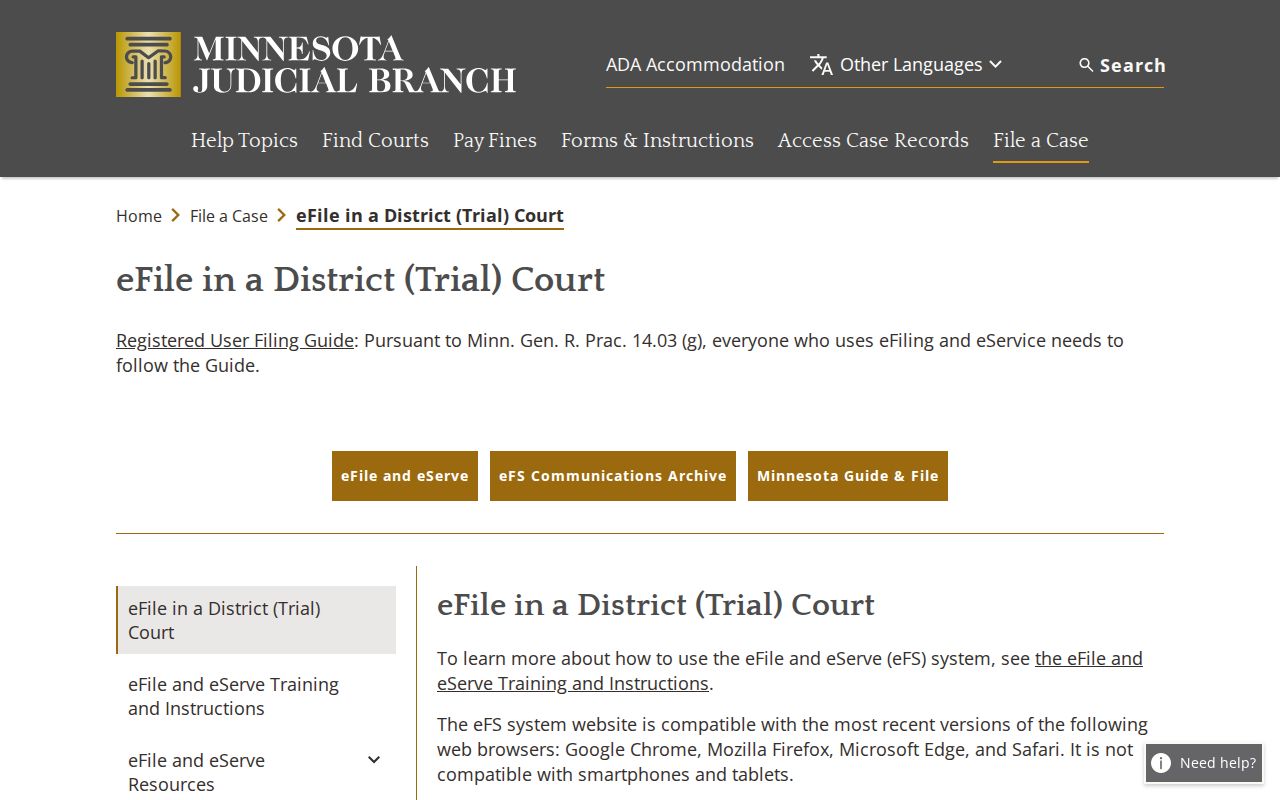
For public case information, use MCRO. Save eFS for filing and serving. The eFS communication archive from the courts' site covers filing-system notices, so treat it as filing material rather than a case lookup.
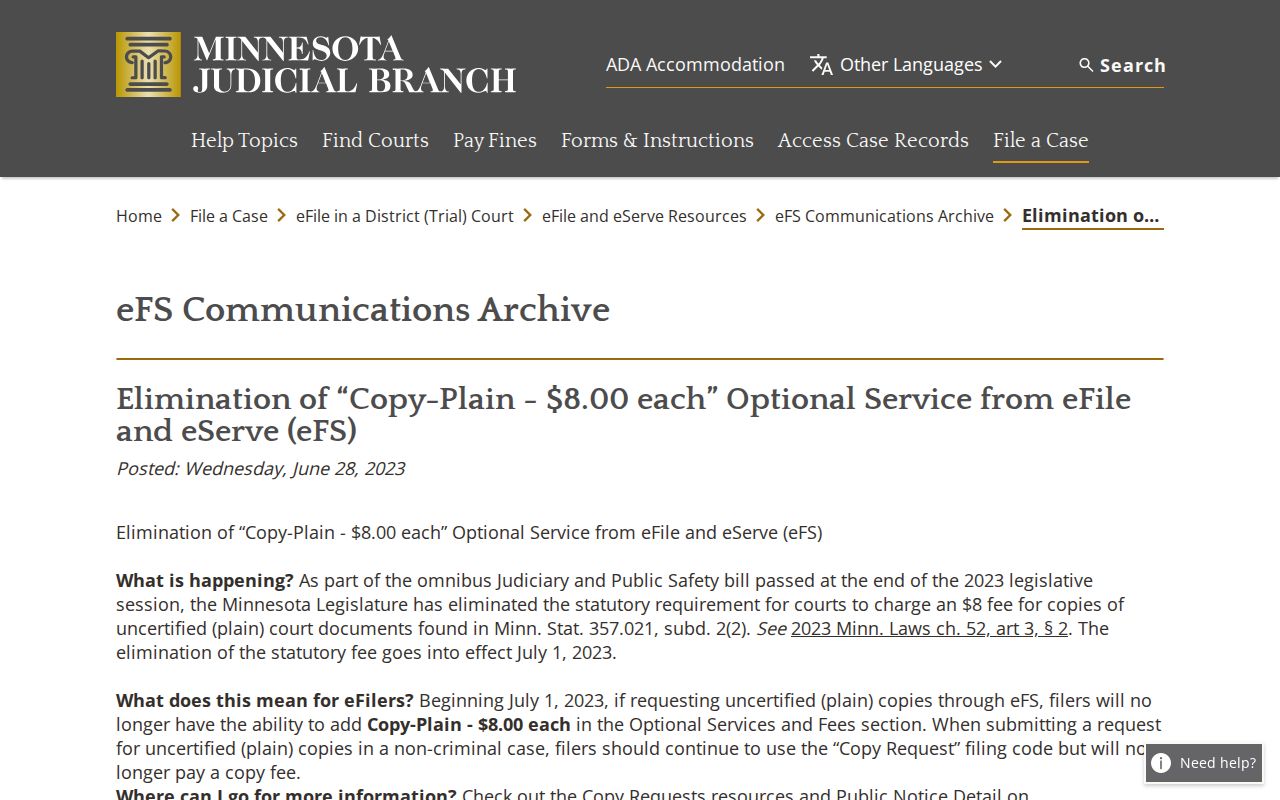
That separation is deliberate. It keeps a search for public case information apart from a party's own filing and service activity.
Restricted Cases and Access Rules
Minnesota Rule of Public Access to Records of the Judicial Branch, Rule 8 splits access into tiers. What you can pull up remotely is narrower than what a courthouse terminal shows. Juvenile records and hearings sit behind limits. So do OFP or HRO material and CHIPS matters. The same goes for some civil-commitment documents, medical exhibits, sealed filings, confidential addresses, restricted exhibits, and some family material. Any of these can come back limited or missing from a remote Todd County docket search.
A restricted case might return only a sliver of information. Sometimes there is no message explaining why nothing appeared. Defendant-name searches can also come up empty. That happens for pending criminal, traffic, and petty-misdemeanor matters that lack a conviction. That absence tells you nothing about the case history. A courthouse terminal remains a practical next step for permitted material. It cannot override a sealing order or any confidentiality rule, though.
Note: Access limits attach to the class of record itself. Trying a different search method does not change them.
Todd Case Lookup Certification
MCRO results and downloads cost nothing, and they are unofficial. A Register of Actions entry records court activity, but it is not a certified copy. An entry alone is not a verdict, either. When you need an authenticated court record, pinpoint the exact document, date, or index first, then request the right product from Todd County Court Administration. Plain, certified, and exemplified copies are handled differently and carry different fees.
For a permitted public document you cannot locate online, start with Minnesota's official copy-request guidance. Confirm the current local process before sending anything. Sealed or confidential material needs the proper judicial-access procedure, not an ordinary name search.